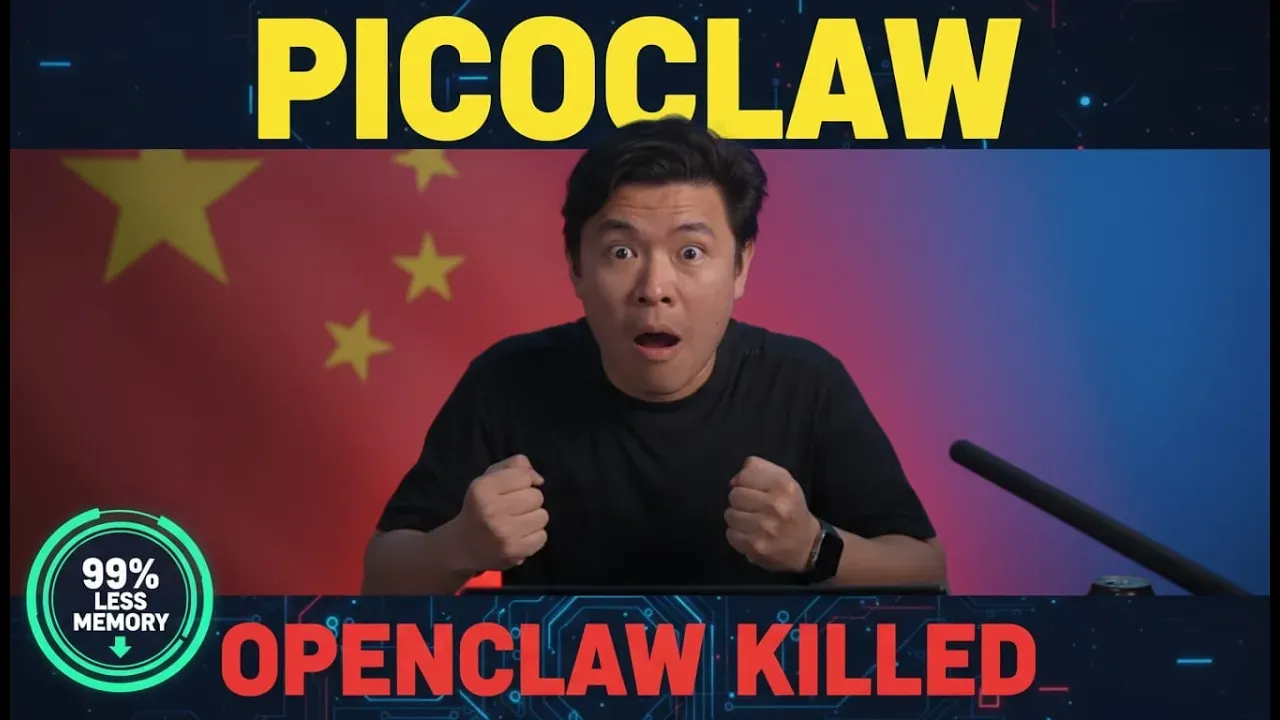

In the rapidly evolving world of AI tools, efficiency is key—especially when it comes to running powerful assistants on budget hardware. Enter PicoClaw, a lightweight, open-source alternative to the popular OpenClaw, often dubbed the “Chinese version” for its origins and optimizations. This tool promises to deliver similar functionality while slashing resource demands dramatically, making it accessible for hobbyists, developers, and anyone with spare low-end devices like a Raspberry Pi or even an old Android phone. Let’s dive into what makes PicoClaw a game-changer, based on its core features and comparisons.
What is PicoClaw and Why Does It Matter?
PicoClaw is designed as a streamlined version of OpenClaw, focusing on core AI assistant capabilities without the bloat. While OpenClaw typically requires high-end setups—think a MacBook costing anywhere from $400 to $1,000—PicoClaw runs smoothly on devices as cheap as $10. Its standout feature? Memory efficiency. OpenClaw gobbles up over 1 GB of RAM, but PicoClaw operates with under 10 MB. That’s a whopping 99% reduction, allowing it to thrive in resource-constrained environments.
Built in Go, a language renowned for its speed and low overhead, PicoClaw boasts a startup time of less than one second. It supports RISC-V architecture, which is common in affordable boards like the Raspberry Pi, and is compatible with a wide range of hardware. This makes it ideal for experimentation without breaking the bank.
Functionality: How Does It Stack Up Against OpenClaw?
At its heart, PicoClaw mirrors OpenClaw’s technology and features. Both tools excel at maintaining conversation history, turning a simple AI into a true personal assistant that remembers context over time. They integrate seamlessly with AI agents like Miniax and can be configured for platforms such as Slack and Discord.
However, PicoClaw shines in deployment flexibility. It works effortlessly in containerized setups via Docker Compose, and you can even repurpose old Android devices to host it. On a modest $2 server with just 4 GB of RAM, you could run multiple instances without breaking a sweat. That said, it’s not a complete replacement—PicoClaw skips some of OpenClaw’s advanced bells and whistles, like browser control plugins that let the AI manipulate your mouse, keyboard, or screen for automated tasks.
The Edge of OpenClaw and Potential Pitfalls
OpenClaw still holds advantages for power users. It receives more frequent updates, offers direct access to its original developers, and includes those extra features for deeper automation. But there’s a catch: OpenClaw has been acquired by OpenAI (or at least its creator has been hired, as clarified in community discussions). This raises eyebrows, given OpenAI’s track record of shifting projects to closed-source models or shutting them down entirely. PicoClaw, being independent and open-source, sidesteps these risks and could emerge as a more reliable long-term option.
Innovative Use Cases and Getting Started
The real innovation here lies in memory management. By keeping chat histories efficient, PicoClaw enables personalized AI experiences on hardware that would otherwise be inadequate. Imagine pairing it with a lightweight model like Ollama on a Raspberry Pi to create your own voice-activated home assistant—similar to Alexa but fully customizable and privacy-focused.
Setting up PicoClaw is straightforward, especially if you’re familiar with OpenClaw. For those new to it, resources like setup guides for Miniax and Zeber (a related tool) can get you up and running. If you’re interested in a deep-dive tutorial on PicoClaw itself, community feedback suggests it’s in high demand—drop a comment on the original video to push for one!
Final Thoughts
PicoClaw is gaining traction for good reason: it’s small, fast, and efficient, democratizing AI deployment for everyone from casual tinkerers to serious developers. With its tiny footprint and broad compatibility, it addresses the pain points of resource-heavy tools like OpenClaw, all while maintaining essential functionalities. If you’re looking to experiment with AI on a budget, PicoClaw is worth a shot. For more details, check out the full video on BoxminingAI’s channel, and join their Discord community for discussions and support.
What do you think—will PicoClaw dethrone OpenClaw? Share your thoughts below!

Michael Gu
Michael Gu, Creator of Boxmining, stared in the Blockchain space as a Bitcoin miner in 2012. Something he immediately noticed was that accurate information is hard to come by in this space. He started Boxmining in 2017 mainly as a passion project, to educate people on digital assets and share his experiences. Being based in Asia, Michael also found a huge discrepancy between digital asset trends and knowledge gap in the West and China.