
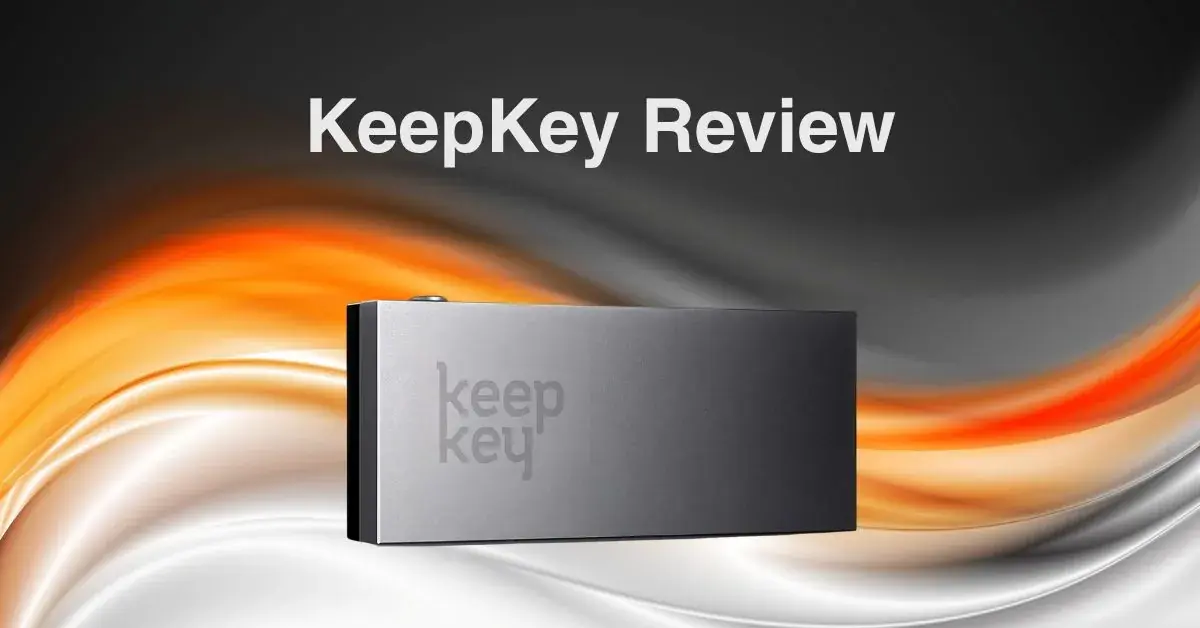
KeepKey, launched in 2015, remains an actively maintained hardware wallet in 2026. It features a large OLED screen, a one-button interface and built-in decentralized swaps. Firmware 7.14.1 natively signs on 11 chains, plus the Bitcoin family, ERC-20 tokens and EVM-compatible chains through Ethereum. KeepKey has no Secure Element, which makes physical possession a more important part of its threat model; in exchange, it publishes its firmware and hardware design for inspection. Confirm the current checkout price on the official store because prices and bundles change.
Key features of the KeepKey
- Large OLED Display: A 3.12-inch screen shows full wallet addresses and recovery phrases without scrolling, improving clarity and reducing errors.
- Simple Interface: One-button design paired with the KeepKey Desktop app makes navigation intuitive, ideal for beginners.
- Built-in swaps: The current Vault desktop app aggregates decentralized swaps, including cross-chain routes.
- Open-Source Firmware: Fully transparent codebase enables community review and ongoing updates.
- Security Tools: Includes PIN protection, optional passphrases, randomized PIN entry, and offline key generation.
- Cross-Platform Support: Vault Desktop supports Windows, macOS and Linux. The iOS and Android companion app is read-only, while a browser extension connects to EVM dApps.
- No Secure Element: Lacks hardware-level tamper resistance, making physical security essential.
- Premium Build: Durable casing with a weighty feel; ships in tamper-evident packaging with recovery tools included.
Packaging
KeepKey ships as a hardware device with the accessories needed for wired setup and a recovery card. Packaging and included accessories can change, so compare the box with the official listing on arrival. A seal alone cannot prove that a device was never intercepted: buy direct, initialize it yourself, and let the official Vault app and device verify signed firmware before funding the wallet. Never use a recovery phrase preprinted in the box.
At launch in 2015, KeepKey occupied a much higher price tier. It has generally competed as a lower-cost option since then, but regional taxes, promotions and bundles make a fixed article price unreliable. Compare live official prices with the Ledger Nano X and Trezor Safe 5 before purchase.
Security Features
Here are some of the security features found in the KeepKey:
- Offline Key Storage: Private keys are generated and stored in an air-gapped environment, protecting them from online threats.
- PIN Protection: Access is secured by a user-defined PIN with randomized on-screen entry to prevent keylogging.
- Recovery Phrase: A 12-word seed phrase is provided during setup for wallet recovery; users are advised to store it securely offline.
- Firmware Updates: Current firmware is v7.14.1. Version 6.4.1 was the older release that patched a PIN power-analysis issue.
- Open-Source Code: Firmware and client software are fully open source, allowing community audits.
- No Secure Element: KeepKey lacks a tamper-resistant chip, making it more vulnerable to physical attacks.
- Physical extraction trade-off: Researchers demonstrated voltage-glitching against the general-purpose microcontroller after gaining physical possession. KeepKey says this class is not fully fixable in firmware; a strong optional BIP-39 passphrase is the key mitigation because it is not stored on the device.
KeepKey PIN Vulnerability Discovered by Ledger team
In 2020, Ledger Donjon, the security team associated with the Ledger Nano X maker, disclosed a side-channel vulnerability in KeepKey’s PIN verification process. By analyzing power consumption during PIN entry, an attacker with physical access and specialized equipment could recover information used to attack the PIN. Firmware 6.4.1 patched that issue. A separate voltage-glitching class against the STM32F205 remains a hardware-design trade-off rather than a remote exploit; current firmware fixes the documented software-reachable vulnerabilities, while a passphrase protects a separate hidden wallet if the stored seed is extracted.
To stay protected:
- Update to the latest firmware through the official Vault app
- Use a strong passphrase in addition to your PIN
- Keep your device physically secure at all times
Multi-Currency Support
KeepKey firmware 7.14.1 natively signs on 11 chains: Bitcoin, Ethereum, XRP, Cosmos, THORChain, Maya, EOS, Nano, Solana, TRON and TON. Through its Ethereum implementation it also handles ERC-20 tokens and EVM-compatible chains identified by EIP-155, while Bitcoin-family support includes Litecoin, Bitcoin Gold, Dash, Groestlcoin and transparent Zcash addresses.
The previous version of this review incorrectly said Solana was unsupported; native SOL, TRON and TON support arrived in firmware 7.14.1. Cardano, Polkadot and Monero remain unsupported, and Avalanche support is limited to its EVM C-Chain. Buyers should check the official supported-coins page for the precise operation they need rather than comparing inflated token totals.
Hardware Design
KeepKey features a minimalist design with a single-button interface and a large 256 × 64 OLED screen that can show transaction details on the device. Its aluminum front and polycarbonate casing give it a smooth, weighty feel, though the device is larger than most competitors. Production KeepKey hardware uses a wired micro-USB connection rather than the USB-C connection previously stated here.
At 38 x 93.5 x 12.2 mm, KeepKey is larger than most wallets, which some users find less portable. Setup and management are handled through the KeepKey Desktop app, and the wallet ships in tamper-evident packaging with essential accessories like a recovery seed card and a braided cable. No changes have been made to its packaging materials to meet sustainability standards.
Installation
To set up KeepKey, go directly to keepkey.com and download the current Vault Desktop application for macOS, Windows or Linux. Connect the device, verify the official software and firmware, and either create a new wallet or restore a compatible one. The recovery phrase should appear through the trusted device workflow and should never be photographed, uploaded or entered into a website. KeepKey’s current browser extension is a separate product from the retired legacy Chrome app.
Vault, browser and ShapeShift integration
KeepKey Vault Desktop is now the primary management application for portfolio viewing, send/receive flows, firmware updates and swaps. Its swap aggregator can route across decentralized protocols such as THORChain and Maya, but availability, fees, liquidity and legal access change over time. A separate browser extension connects KeepKey to EVM dApps, while the mobile companion is read-only.
ShapeShift transitioned toward a DAO in 2021, and KeepKey subsequently spun out as an independent open-source hardware-wallet project. Current development includes the Vault applications, browser extension, firmware and an opt-in local REST API for integrations.

Verdict: Is the KeepKey still worth buying in 2026?
KeepKey remains a viable current hardware wallet for users who value a large display, open firmware and hardware documentation, desktop-first management and EVM support without per-chain app installation. Its price should be checked live rather than assumed from an old promotion.
Firmware 7.14.1 fixes the old software issues covered here and adds Solana, TRON and TON, but it does not change the core no-Secure-Element threat model. Users storing higher value should understand passphrases, protect the device from physical access and test recovery before funding. Cardano, Polkadot and Monero users need another wallet.
If you prioritize certified tamper-resistant silicon, full mobile transaction signing or unsupported chains, compare current Ledger, Trezor and other hardware-wallet models. If you prioritize transparent architecture and a simple large-screen device, KeepKey merits consideration with those limitations understood.
KeepKey Product Specifications (Technical Specifications)
| Processors | ARM Cortex-M3 processor |
| Compatibility | 64-bits desktop computer (Windows 8+, macOS 10.8+, Linux). Also compatible with Android smartphones. |
| Connector | Micro-USB (wired) |
| Security Certification | Nil |
| Size | Size: 38 x 93.5 x 12.2 mm Weight: 54g |
| Supported Assets | 11 native chains, the Bitcoin family, ERC-20 tokens and EVM-compatible chains |
Frequently asked questions
Is KeepKey discontinued?
No. KeepKey is actively maintained. The current documentation lists firmware 7.14.1 and official desktop, browser-extension and mobile applications.
Does KeepKey support Solana?
Yes. Native Solana support arrived in firmware 7.14.1, including SOL and SPL-token transfers, staking and message signing. TRON and TON were added in the same firmware release.
Does KeepKey have a Secure Element?
No. Production devices use an STM32F205 general-purpose microcontroller. KeepKey favors open firmware and hardware documentation, but the design offers less resistance to a skilled attacker with physical possession than a wallet built around an appropriate Secure Element.
How can KeepKey users reduce physical-extraction risk?
Keep firmware current, use a PIN, keep the device physically secure and consider a strong BIP-39 passphrase for higher-value storage. The passphrase creates a separate wallet and is not stored on the device, but losing it permanently loses access to that wallet, so test and protect the backup.
Can the KeepKey mobile app send transactions?
No. The current iOS and Android companion is read-only: it can show a portfolio and generate receive addresses, but it cannot sign outgoing transactions on its own. Vault Desktop is the primary management application.
Share
Found this useful?
Share it with someone who'd want to read it.
Related
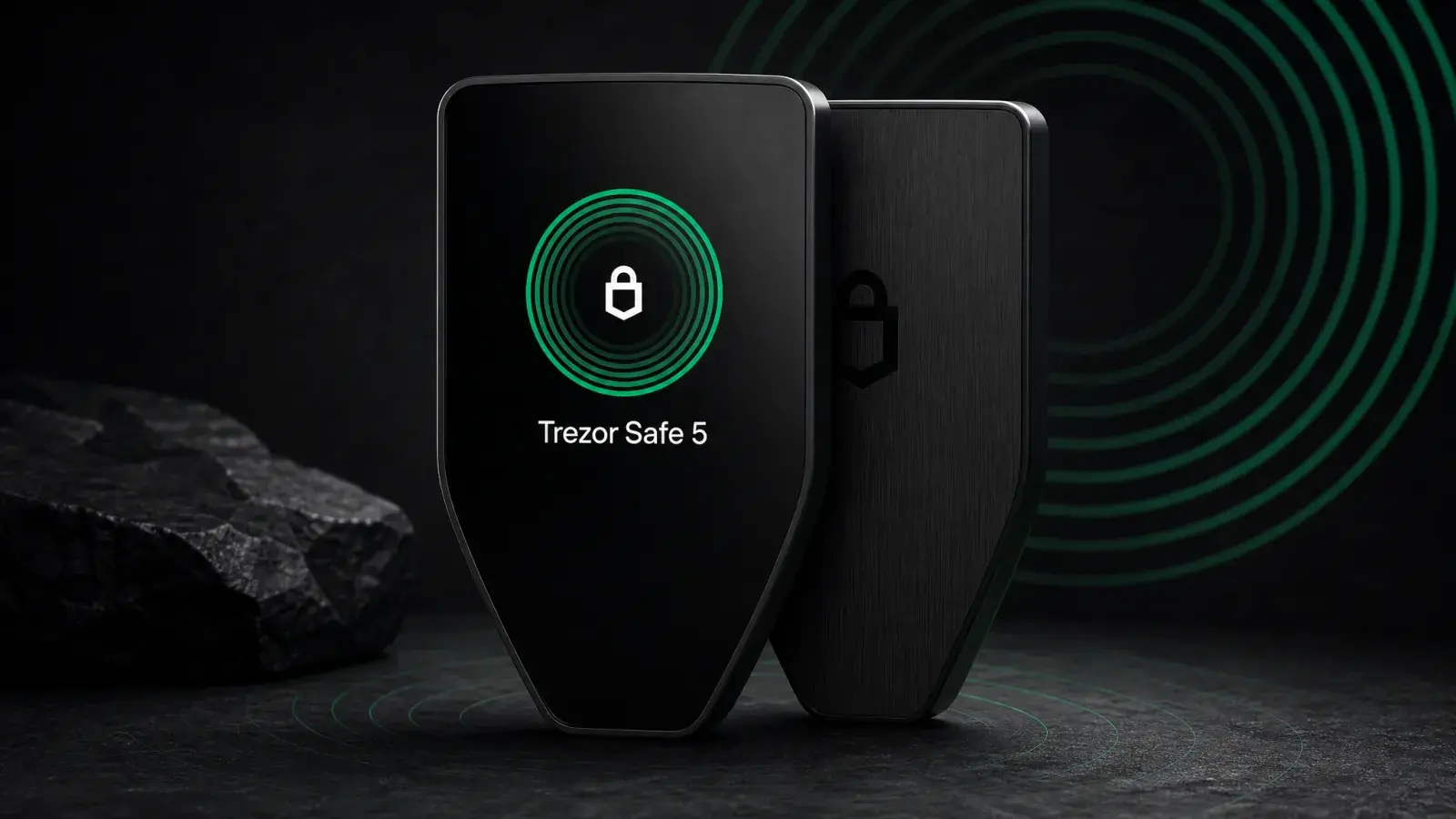
Trezor Safe 5 Review (2026): Best-Balanced Trezor
Trezor Safe 5 adds a touchscreen and haptics to open-source EAL6+ security for US$169. It is the best-balanced Trezor for regular USB-C use.
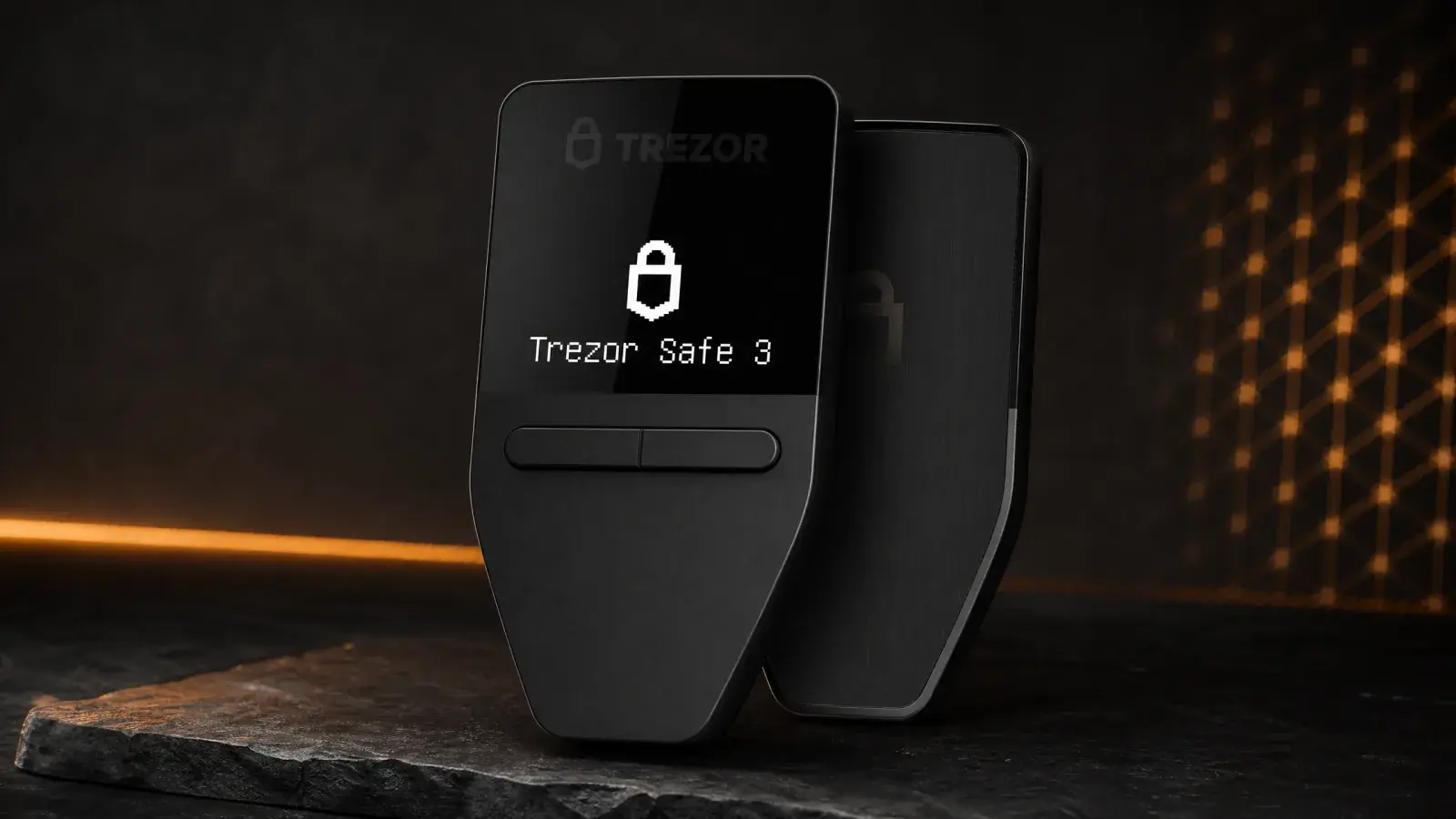
Trezor Safe 3 Review (2026): The Best US$79 Cold Wallet?
Trezor Safe 3 offers open-source cold storage and an EAL6+ Secure Element for US$79. Best for holders who accept a tiny screen and no iPhone support.
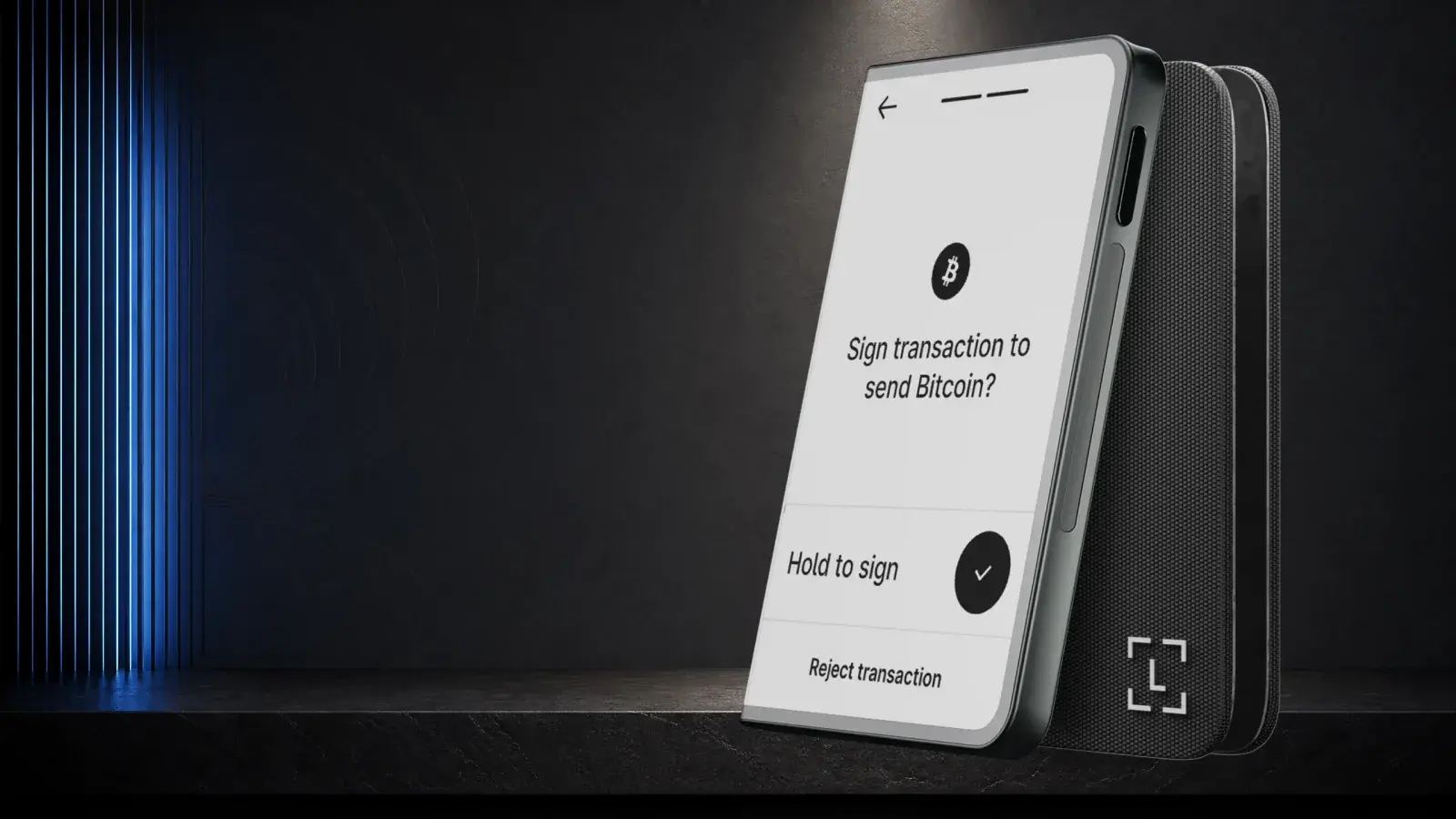
Ledger Stax Review (2026): Is the $399 Wallet Worth It?
Ledger Stax offers a curved E Ink screen and Qi charging for US$399, but not stronger key protection. It suits design-first buyers, not value seekers.