
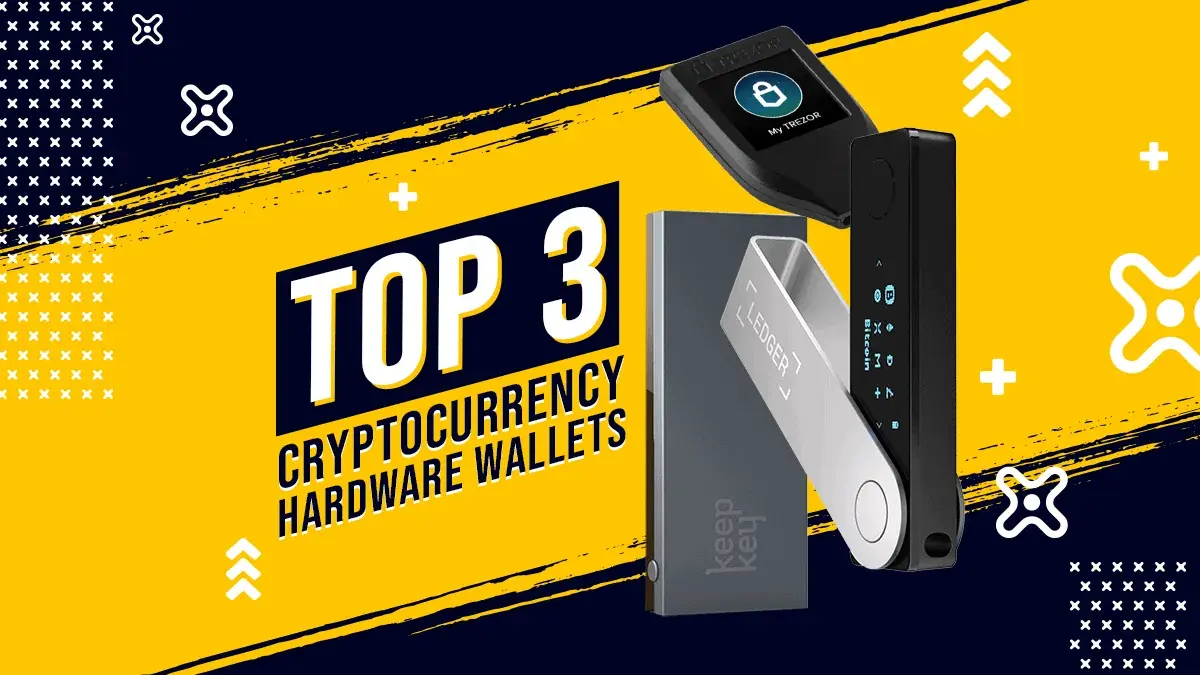
We compare the Ledger Nano X, Trezor Model T, and KeepKey. These devices are designed to keep the private keys used to authorize cryptocurrency transactions isolated from an internet-connected computer or phone.
Important 2026 context: This is now a comparison of two current products and one legacy product, not a list of the three best hardware wallets on the entire market. Trezor has discontinued sales of the Model T and points new buyers to the Safe 5, although it promises Model T software updates through at least 2031 and critical security fixes through at least 2036. Ledger still sells the Nano X, while also positioning newer touchscreen devices in its range. KeepKey remains actively maintained.
Buying a hardware wallet in October 2026? Start with the current Ledger and Trezor lineups below. Trezor Safe 3 adds a certified Secure Element that the older Model T lacks; Ledger Nano X adds Bluetooth mobile signing that Safe 3 lacks. Neither is automatically safer for every user. KeepKey remains a desktop-focused alternative. The original Nano X, Model T and KeepKey comparison follows for existing owners.
Ledger vs Trezor in 2026 — current lineups
Checked October 20, 2026 against the Ledger comparison and Trezor comparison. These are the models covered by our reviews, rather than an exhaustive catalogue of every new product. Ledger’s companion app is now called Ledger Wallet (formerly Ledger Live); Trezor uses Trezor Suite. Store availability varies by region. Prices are loaded dynamically or localized on the official stores, so we have not substituted old launch prices for a verified USD checkout quote.
| Device and Boxmining review | Display and connection | Security hardware / buying context |
|---|---|---|
| Ledger Nano S Plus | 1.1-inch OLED, buttons; USB-C, no Bluetooth | EAL6+ Secure Element; listed in Ledger’s classic range |
| Ledger Nano X (review below) | 1.1-inch OLED, buttons; USB-C and Bluetooth | EAL5+ Secure Element; still offered |
| Ledger Nano Gen5 | 2.8-inch E Ink touchscreen; USB-C, Bluetooth, NFC | EAL6+ Secure Element; touchscreen alternative to the classic Nanos |
| Ledger Flex | 2.8-inch E Ink touchscreen; USB-C, Bluetooth, NFC | EAL6+ Secure Element; higher-resolution screen than Gen5 |
| Ledger Stax | 3.7-inch curved E Ink touchscreen; USB-C, Bluetooth, NFC | EAL6+ Secure Element; larger display and wireless charging |
| Trezor Safe 3 | 0.96-inch OLED, two buttons; USB-C | EAL6+ Secure Element; current wired entry model |
| Trezor Safe 5 | 1.54-inch color touchscreen, haptics; USB-C | EAL6+ Secure Element; current touchscreen successor to Model T |
| Trezor Safe 7 | 2.5-inch color touchscreen; USB-C and Bluetooth | OPTIGA plus TROPIC01 Secure Elements; current wireless model |
| Trezor Model One | Monochrome screen, buttons; micro-USB | No Secure Element; official e-shop sales ended January 8, 2026; compare Safe 3 for a new purchase |
| Trezor Model T (review below) | 1.54-inch color touchscreen; USB-C | No Secure Element; official e-shop sales ended January 8, 2026; compare Safe 5 |
For the legacy devices, our Trezor One versus Model T comparison explains the older trade-offs. Trezor promises critical security updates for both through at least 2036, basic maintenance through at least 2031, and new coin support for Model T through at least 2031. Ending new sales does not itself require owners to replace a working device; see the official support commitment.
Is Trezor Safe 3 as secure as Ledger?
Safe 3 is a credible security alternative, but certification alone cannot establish equal security. Its EAL6+ OPTIGA Secure Element helps enforce PIN protection: a secret inside that chip combines with the PIN to protect keys held encrypted on the main chip. Ledger Nano X uses an EAL5+ Secure Element to protect keys and run its device security stack. Other Ledger models in the table use EAL6+ chips. These ratings concern evaluated components, not a guarantee that the complete wallets or every signing workflow are equally safe.
Trezor publishes open-source firmware, while Ledger’s device stack includes proprietary components. Safe 3’s OPTIGA chip should not be confused with the independently auditable TROPIC01 added in Safe 7. Open firmware allows public inspection; it does not eliminate bugs. See Trezor’s Secure Element explanation.
Ledger Recover is another trust decision. It is an optional subscription, not automatic backup on every firmware update. With user approval, the device encrypts recovery entropy and splits it among three providers; recovery requires two fragments and identity verification. Declining it avoids enrollment, but users still trust Ledger’s firmware and update process. Read the official recovery options before choosing.
Ledger Nano X vs Trezor Safe 3: the practical choice
Choose between these on workflow first. Nano X signs with an iPhone or Android phone over Bluetooth. Safe 3 is wired; Trezor’s product page explicitly excludes sending, swaps, setup and device management on iOS. Both have small screens and buttons, so confirm you can comfortably check addresses. Safe 5 improves Trezor’s wired touchscreen experience; Safe 7 is the model to compare if you need wireless Trezor signing. Neither brand protects funds when you disclose the backup or approve a harmful transaction.
Which hardware wallet should you buy?
- For occasional wired cold-storage access: shortlist Safe 3 and Nano S Plus, then check your exact coins and recovery preferences.
- For mobile signing: compare Nano X with the touchscreen Ledger models and Safe 7; check phone and asset compatibility before buying.
- For easier transaction review: compare Safe 5, Safe 7, Gen5, Flex and Stax. Pay for a screen you will actually read, rather than treating price as a security score.
- For an existing Model T or KeepKey: use the detailed comparison below to decide whether an upgrade solves a real limitation.
Before ordering, use our wallet coin-support guide and each manufacturer’s asset checker. A supported token does not imply every network, staking action or dApp is supported. After choosing Nano X, follow the Nano X setup guide.
Boxmining’s Take
Michael’s view is that most people do not need to carry a hardware wallet for everyday use, and he does not carry one daily. For daily amounts, an up-to-date iPhone with a reputable self-custody app can be sufficient. Its Secure Enclave is useful security hardware, but protection depends on how the app handles keys and backups; it is not a blanket guarantee for every wallet app. A separate signing device makes more sense for larger long-term holdings and cold storage. Understand the hot versus cold wallet trade-offs and keep everyday spending separate from reserves.
Original comparison: Nano X vs Model T vs KeepKey
Features that will be Used to Compare the 3 Hardware Wallets
We will compare the Ledger Nano X, Trezor Model T and KeepKey hardware wallets to see which one is the best by looking at these features:
- Price
- Security
- Hardware design
- Multi-currency support
- Ease of use
You can also check out our individual reviews for each of these devices:
Price and availability
Hardware-wallet pricing changes by country, tax, promotion and bundle. Check the official store immediately before buying and avoid second-hand devices or unverified marketplaces. The decisive availability change is that the Trezor Model T is no longer sold by Trezor.
- Ledger Nano X: still sold through Ledger’s official store.
- Trezor Model T: discontinued for new sales; Trezor recommends the Safe 5 as its successor.
- KeepKey: still offered through KeepKey’s official website; confirm the live checkout price rather than relying on an article snapshot.
Price alone should not decide where you secure meaningful funds. Weigh supported chains, transaction visibility, update history, recovery design and your ability to use the device correctly.
Security and trust model
There is no universal security winner because the devices make different trade-offs between certified secure hardware, open-source verifiability and usability. All three still depend on the owner protecting the recovery phrase and verifying transaction details on the device screen.
Ledger Nano X uses a dual-chip design with an ST33 Secure Element and Ledger OS:
- Dual-layer protection: Ledger Nano X still features a secure element chip (ST33) and a custom operating system (BOLOS), isolating private keys from external threats—even when connected to compromised devices.
- Certification: Ledger lists the Nano X Secure Element chip as CC EAL5+ certified. That certification applies to the chip and should not be presented as a guarantee that every layer of the device or user workflow is invulnerable.
- Bluetooth security: While Bluetooth introduces a potential attack vector, Ledger’s firmware assumes compromised connections and restricts data transmission to non-sensitive transaction details.
- Firmware updates: Ledger’s January 2025 security bulletin says a firmware-update validation flaw that could brick a device was fixed in Nano X firmware 2.4.2 and later; users should keep firmware current through the official app.
- Recovery choice: Ledger Recover is an optional, consent-based paid recovery service on supported devices and regions. Buyers who do not want it can continue managing their own recovery phrase, but should understand the feature and firmware trust model before choosing Ledger.
The Trezor Model T uses an open-source design without a Secure Element. It supports on-device PIN and passphrase entry, and Trezor has committed to a long maintenance window despite ending sales. The KeepKey also has no Secure Element by design; it emphasizes open-source firmware and hardware, signed firmware, randomized PIN entry, optional passphrases and on-device verification. A buyer concerned about physical extraction attacks should examine these differing architectures rather than relying on a single star score.
Verdict
Ledger has the strongest certified-chip story of these three, while Trezor and KeepKey expose more of their design for public inspection. Which trade-off is preferable depends on the threat model; none protects a recovery phrase entered into a phishing site.
Hardware design (Winner: Trezor Model T)
| Size (mm) | Screen Size (pixels) | Screen Type | Weight (g) |
Connection | Controls | |
| Nano X | 72 x 18.6 x11.75 | 128 x 64 | OLED | 34 | USB-C | 2 buttons |
| Model T | 64 x 39 x 10 | 240 x 240 | Colour | 22 | USB-C | Touchscreen |
| KeepKey | 38 x 93.5 x12.2 | 256 x 64 | OLED | 54 | USB cable | 1 button |
The Trezor Model T still leads in design thanks to its full-color touchscreen, compact build, and modern features:
- Full colour touchscreen that simplifies navigation and enhances security. The screen is responsive and well-suited for entering passphrases and confirming transactions.
- USB-C and microSD slot support speed, compatibility, encrypted storage and future expandability.
- Supports Shamir Backup, enhancing seed recovery security.
- Lightweight and ergonomically friendly with tamper-proof packaging.
In comparison:
- Ledger Nano X has smaller physical buttons and screen
- KeepKey offers a larger display but lacks touch functionality and still uses an older wired design
Verdict
Among these specific devices, the Model T’s touchscreen remains easier for on-device PIN, passphrase and transaction interaction. New buyers should compare its successor, the Trezor Safe 5, rather than seek out old Model T inventory. Ledger Nano X is compact and mobile-friendly, while KeepKey prioritizes a large display and simple physical confirmation.
Multi-Currency Support (Winner: Ledger Nano X)
| Device | Current vendor description | Companion software | Notable limitations |
| Ledger Nano X | Thousands of coins and tokens; support differs between Ledger Wallet and third-party wallets | Ledger Wallet (formerly Ledger Live), plus third-party apps | Individual chain apps and device-storage limits |
| Trezor Model T | Thousands of coins and tokens, with coin-specific exceptions | Trezor Suite and compatible third-party wallets | Discontinued for new sales; support varies by asset |
| KeepKey | 11 native chains plus the Bitcoin family, ERC-20 tokens and EVM chains through Ethereum | KeepKey Vault desktop, browser extension and read-only mobile companion | Support and signing features vary by chain |
Ledger Nano X
Ledger says the Nano X can manage thousands of coins and tokens, but its own product page distinguishes assets managed directly in Ledger Wallet from those that require third-party wallets. Check the exact asset and action you need—send, receive, stake or dApp signing—before purchase.
Trezor Model T
Trezor describes Model T support as thousands of coins and tokens, with native support for a smaller set and broader token support through compatible networks. The official coin checker is more reliable than a fixed count, particularly now that new feature development has a stated end date.
KeepKey
KeepKey’s 2026 documentation says firmware 7.14.1 natively signs on 11 chains, plus the Bitcoin family, and supports ERC-20 tokens and EVM chains through Ethereum. It also documents native Solana, TRON and TON support and built-in decentralized swaps. This makes the old “40–50 assets” description obsolete, although users still need to verify the precise chain, token and transaction type they need.
Verdict
Ledger has broad compatibility and a large third-party ecosystem, but a raw token count is not an apples-to-apples measure. KeepKey’s recent chain additions materially change the earlier comparison, while the discontinued Model T has a finite feature-support horizon. Verify support using each vendor’s current compatibility page.
See the current supported-asset information for the Nano X, Model T and KeepKey.
October 20, 2026 clarification to the mobile descriptions below: KeepKey’s current desktop app is named KeepKey Desktop, although installers still say KeepKey Vault. Its official mobile documentation links iOS and marks Android as coming soon, so the older iOS/Android availability wording below should not be read as confirmation of an Android release. A mobile companion is not a substitute for authorizing signatures on the device. See the current mobile documentation. For Model T, use the official Trezor Suite desktop or web app; Trezor Connect integration in a browser is distinct from a standalone Suite browser extension.
Ease of use (Winner: Ledger Nano X)
| Device | Setup Process | Interface Type | Mobile Support | Notable Features |
| Ledger Nano X | Requires the official Ledger Wallet app | Desktop and mobile app | iOS/Android via Bluetooth | Compact screen, Bluetooth, app-based coin management |
| Trezor Model T | Uses Trezor Suite | Desktop and mobile companion | Android management; limited iOS functionality | Touchscreen, open-source software, on-device entry |
| KeepKey | Uses KeepKey Vault desktop | Desktop app and browser extension | Read-only iOS/Android companion | Large screen, built-in swaps, no per-chain app installation |
Ledger Nano X
Ledger Nano X remains mobile-friendly through Bluetooth and Ledger Wallet, the new name for Ledger Live. Initial setup and some chains require installing device apps, and supported actions vary by asset and jurisdiction.
Trezor Model T
The device offers a straightforward setup via the Trezor Suite desktop app or browser extension. It does not require separate app installations for each coin, which simplifies onboarding. However, its mobile app is limited to view-only mode on iOS, and transaction details often require navigating to external blockchain explorers.
KeepKey
KeepKey now uses the KeepKey Vault desktop application rather than depending on the old ShapeShift-only workflow. Its large OLED screen and minimalist interface remain accessible, and current documentation confirms optional passphrase protection. Its mobile companion works on iOS and Android but is read-only: it can display a portfolio and generate receive addresses, not sign outgoing transactions by itself.
Verdict
Ledger Nano X is the easiest of these three for users who require mobile signing. The Model T has the best on-device input experience but is no longer a new-purchase option. KeepKey offers a current desktop and browser workflow, with mobile limited to viewing and receiving.
Which should you choose in 2026?
Choose Ledger Nano X if Bluetooth mobile signing, broad third-party compatibility and a certified Secure Element are priorities, and you are comfortable with Ledger’s partly closed device stack and optional recovery-service model.
Keep an existing Trezor Model T if it still meets your needs: Trezor has committed to updates through at least 2031 and critical fixes through at least 2036. New buyers should compare the Trezor Safe 5 and other current models instead of buying old Model T stock.
Choose KeepKey if you value a large display, an openly documented hardware and firmware approach, no per-chain app installation and its current desktop/EVM workflow. Its lack of a Secure Element and read-only mobile app are important trade-offs.
The safest choice is the device whose screen you will consistently read, whose supported-asset list covers your actual portfolio, and whose recovery process you can back up and test without ever exposing the phrase online. Buy only from an official or explicitly authorized source.
Frequently asked questions
Is the Trezor Model T discontinued?
Yes. Trezor no longer sells the Model T and directs new buyers to the Safe 5. It says the Model T will receive software updates through at least 2031 and critical security fixes through at least 2036, so existing owners do not need to stop using a working, updated device solely because sales ended.
Is Ledger Nano X still supported?
Yes. Ledger still sells and updates the Nano X. Its current product page describes Bluetooth support for iOS and Android, USB-C connectivity, an ST33 Secure Element and support for thousands of coins and tokens across Ledger Wallet and compatible third-party wallets.
Is KeepKey discontinued?
No. KeepKey’s current documentation says it is actively maintained. Firmware 7.14.1 added native Solana, TRON and TON support, and the project now documents desktop, browser-extension and read-only mobile applications.
Does a hardware wallet keep crypto completely safe?
No. It reduces exposure of private keys to an online computer or phone, but it cannot prevent every scam or user error. An attacker who obtains the recovery phrase can recreate the wallet, and a user can still approve a malicious transaction. Never type the recovery phrase into a website and verify the destination and amount on the device screen.
Should I buy a used hardware wallet?
Avoid used or unverified devices for meaningful funds. Buy from the manufacturer or an authorized seller, initialize the device yourself, verify genuine firmware through the official application and never use a recovery phrase supplied in the box or by another person.
Is Trezor Safe 3 as secure as Ledger Nano X?
Both use certified Secure Elements, but in different architectures. Safe 3 has an EAL6+ chip and open-source firmware; Nano X has an EAL5+ chip, a partly proprietary device stack and Bluetooth mobile signing. Chip certification alone cannot rank the complete wallets. Compare firmware trust, recovery choices, phone compatibility and how easily you can verify transactions.
Share
Found this useful?
Share it with someone who'd want to read it.
Related
SafePal Data Breach Exposes 39,798 Hardware Wallet Buyers: What Leaked and What to Do
SafePal says an order-tracking flaw exposed 39,798 buyers. Wallet keys were not leaked, but names, addresses and order details can fuel targeted scams.
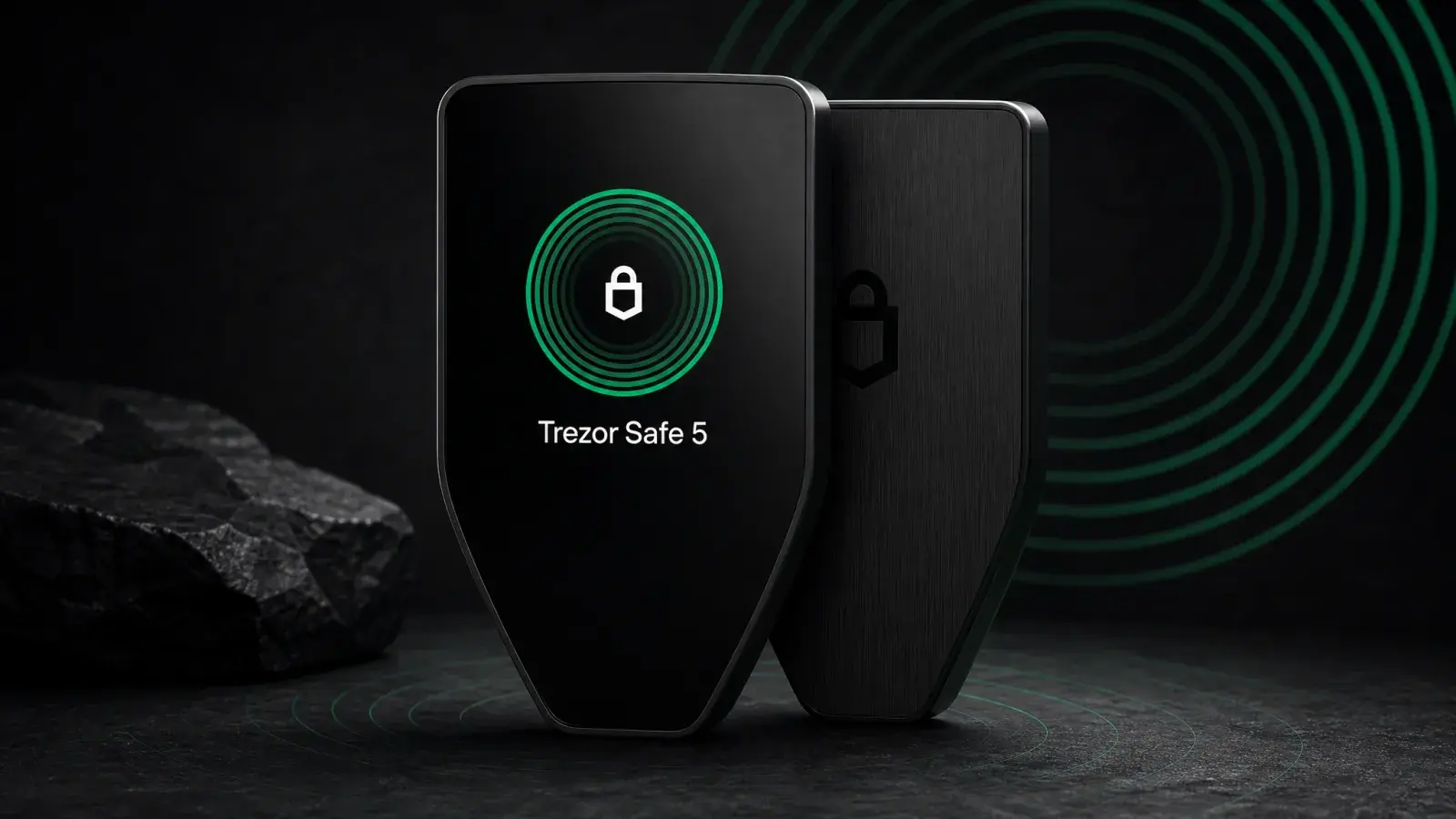
Trezor Safe 5 Review (2026): Best-Balanced Trezor
Trezor Safe 5 review: is the $129 touchscreen wallet worth it in 2026? Compare Safe 3, Safe 7 and Model T, plus the iPhone limits.
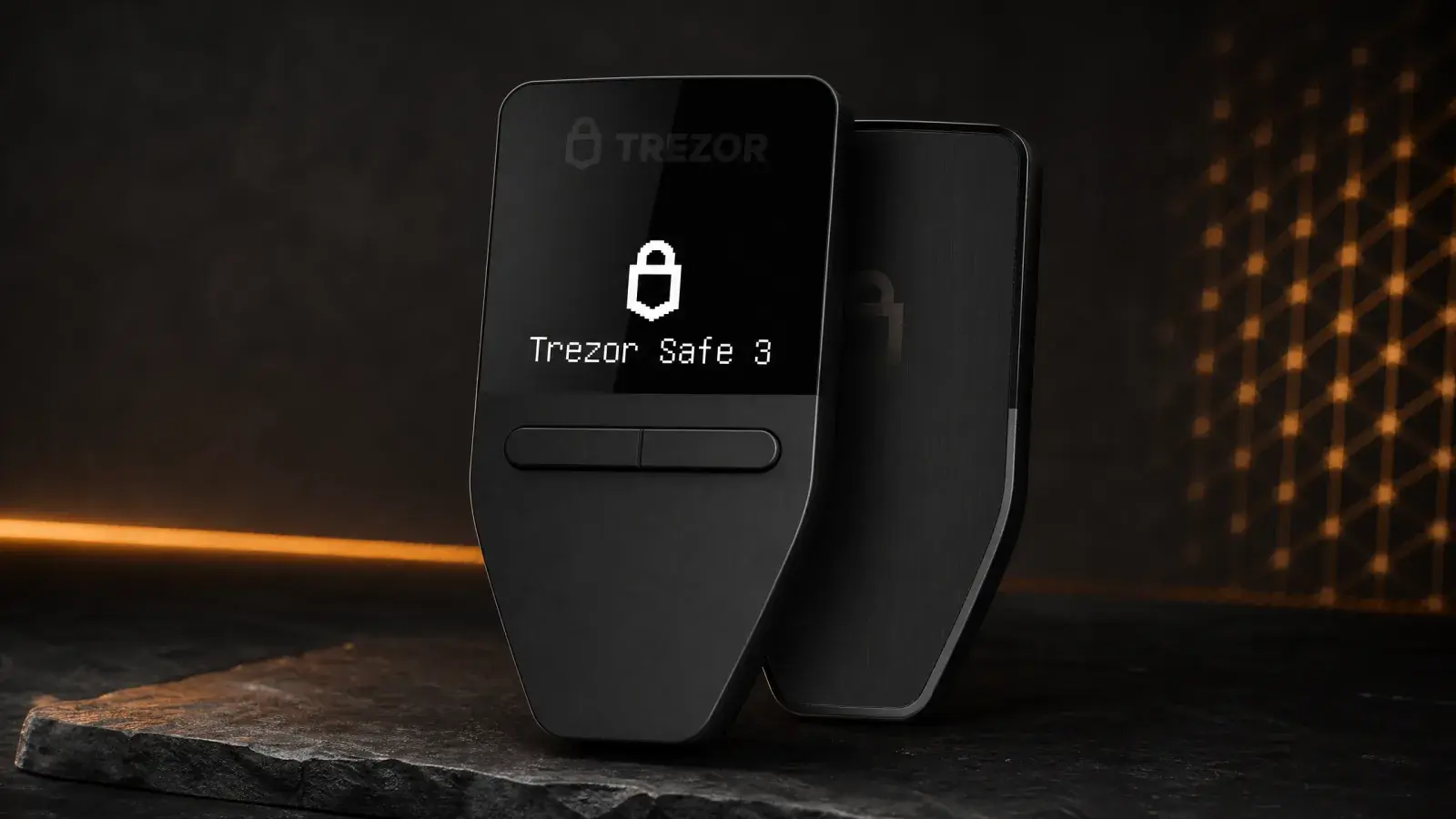
Trezor Safe 3 Review (2026): The Best US$79 Cold Wallet?
Trezor Safe 3 offers open-source cold storage and an EAL6+ Secure Element for US$79. Best for holders who accept a tiny screen and no iPhone support.